Do we have to replace our ERP or accounting system?
No. OptiLine plans and tracks production. It doesn't do accounting or invoicing. Today your data comes in through CSV import for products, components, bills of materials and customer orders, and every row is checked and previewed before anything is saved.
What does setup involve?
Mostly bringing over what you already keep in spreadsheets, then adding your lines, shifts, workers and who's trained on what. In the demo we'll use a few of your own products so you can see what that looks like for your plant.
Does it work with the barcodes we already use?
Yes. Scanning reads Code 128, Code 39, EAN, UPC, Data Matrix and QR codes from a phone camera, with no scanner hardware needed. You can also print new tags as QR, Code 128 or Code 39.
How does OptiLine handle certifications and training?
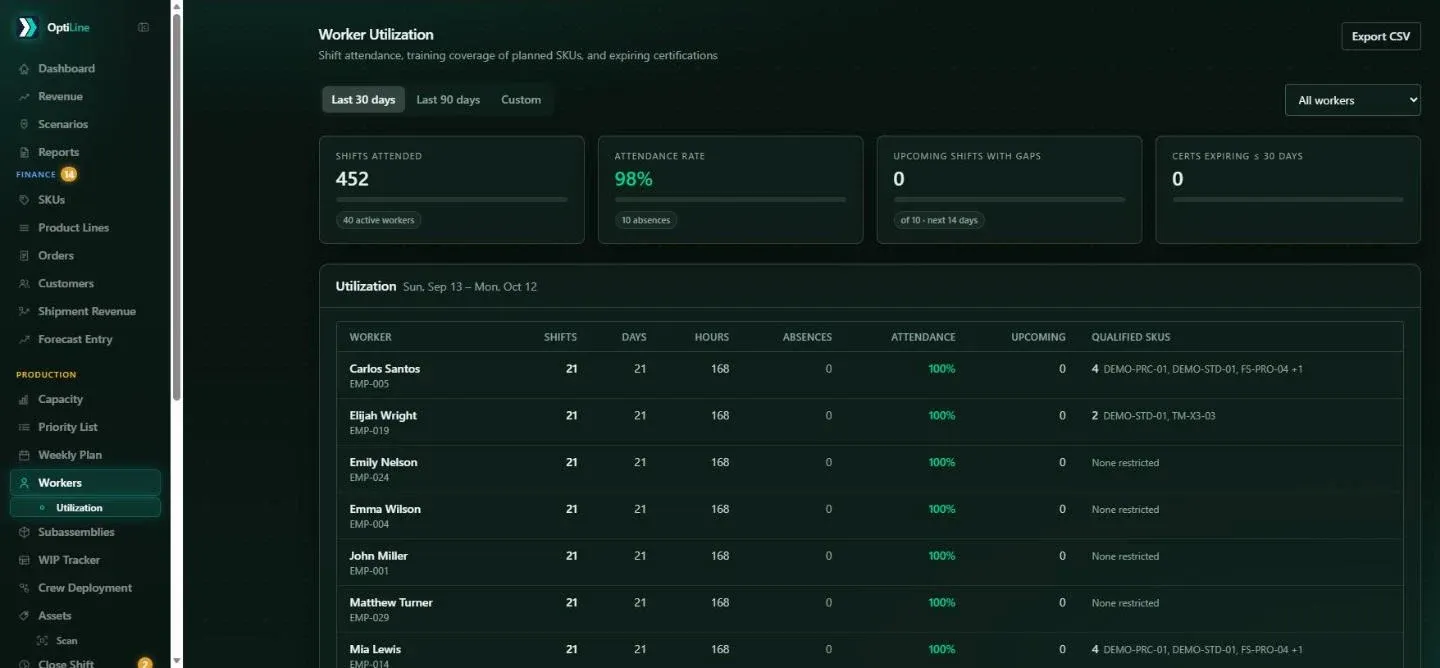
You set which training each product or product line needs and record each worker's training with an expiry date. Planning only schedules a run on a shift where someone qualified is present, and a report shows certifications expiring in the next 30, 60 or 90 days.
What happens when something changes mid-shift?
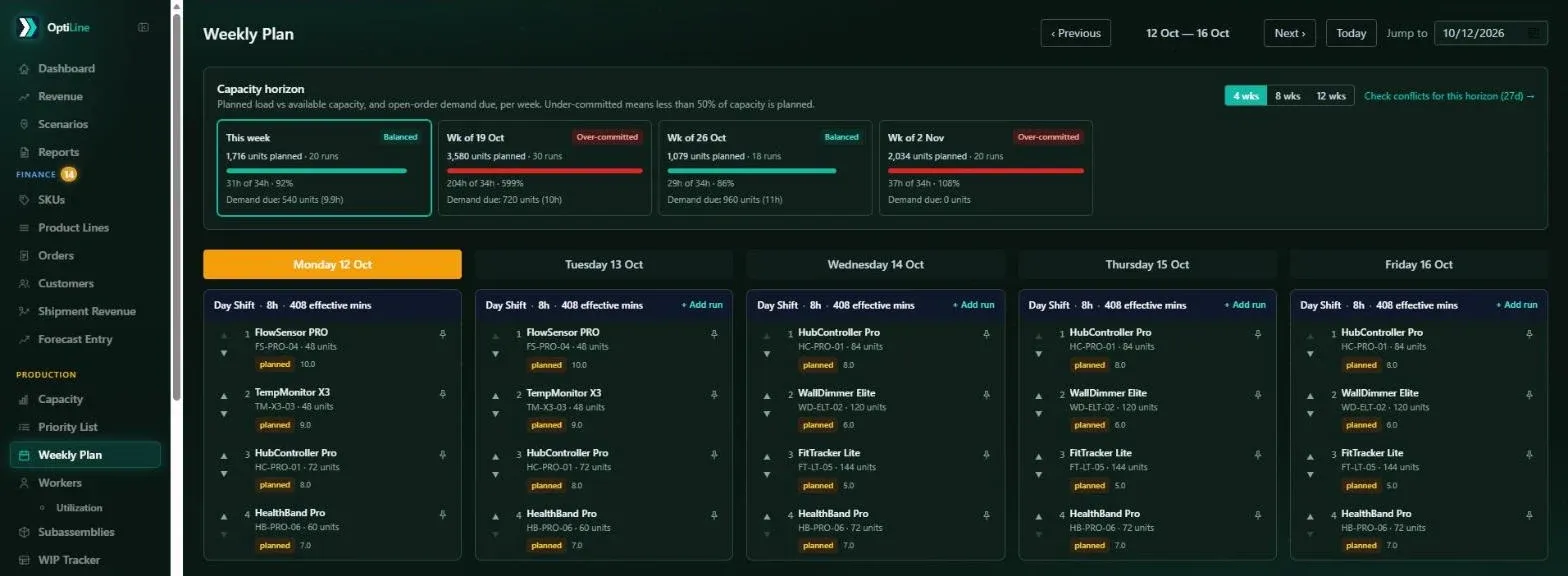
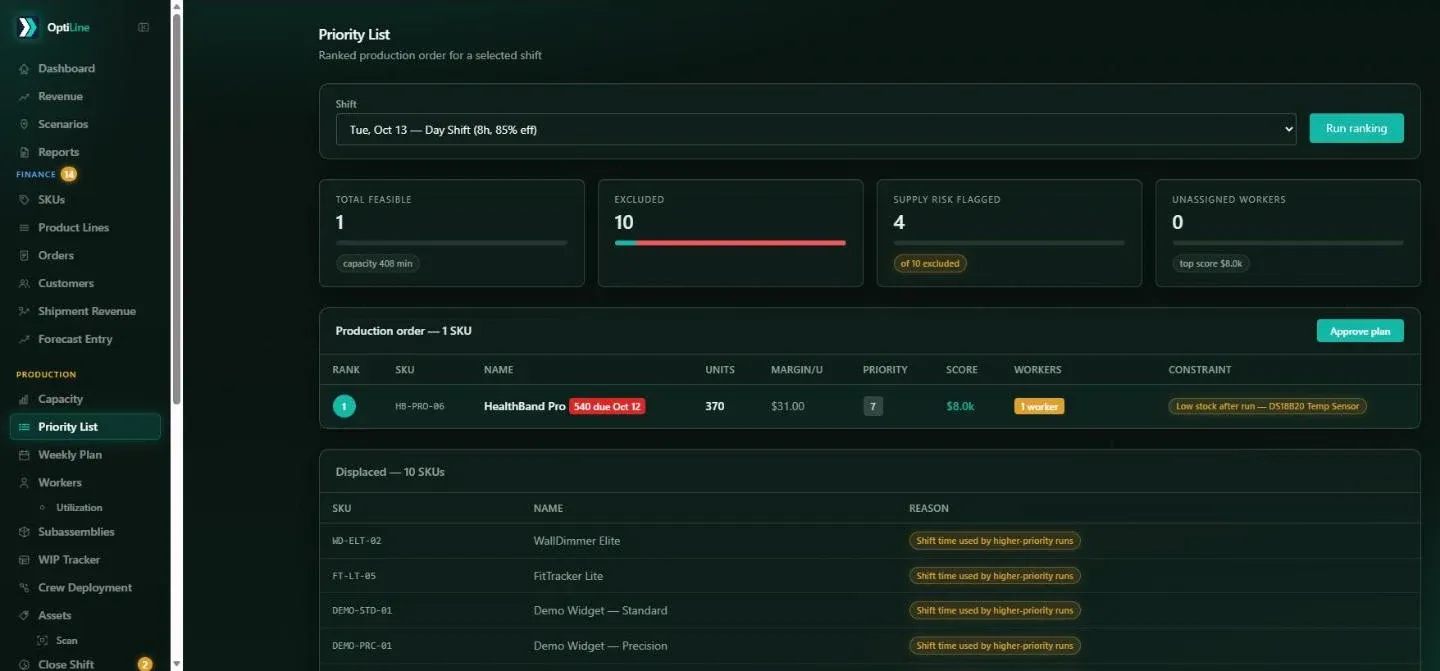
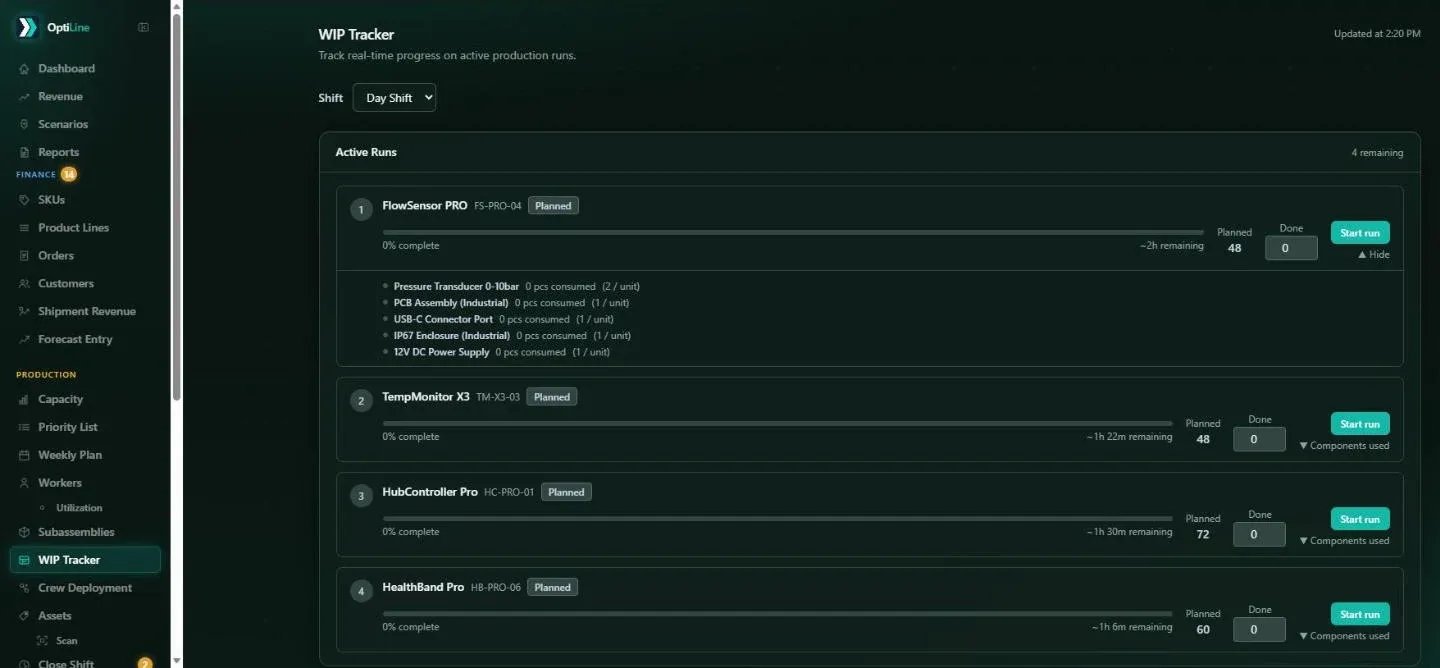
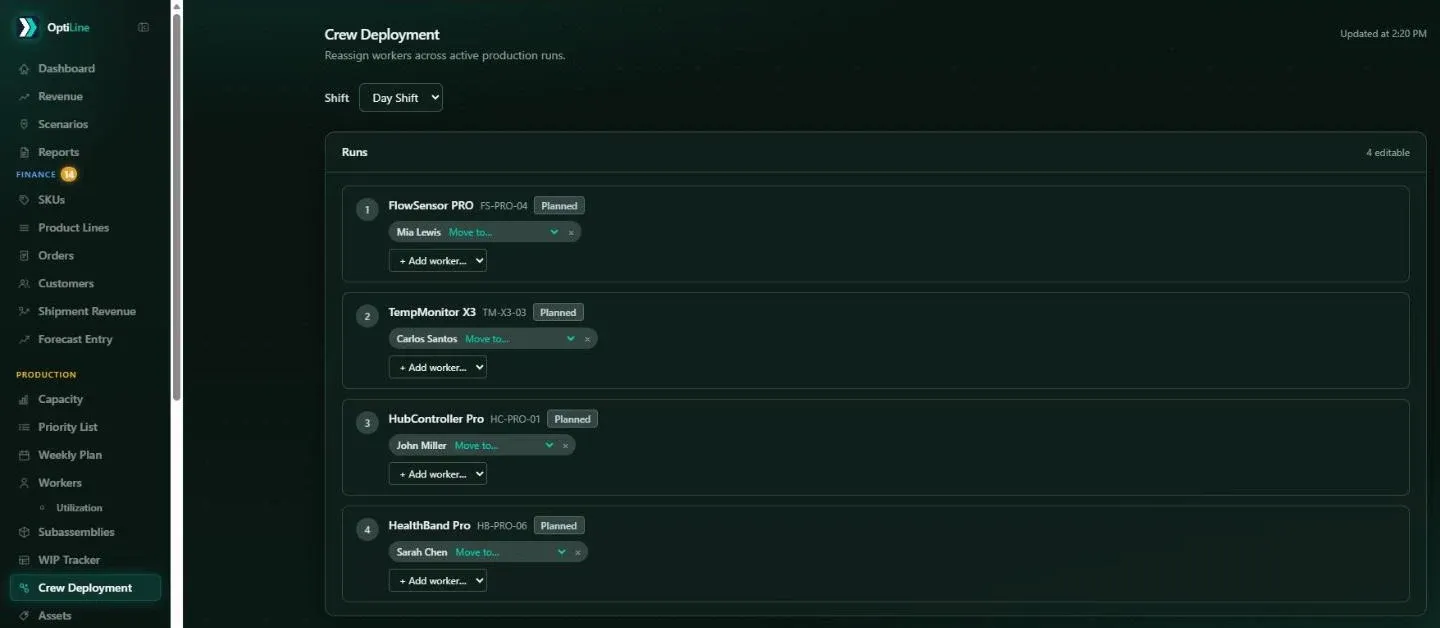
Re-plan the shift and OptiLine re-ranks everything that hasn't started, leaving in-progress, finished and pinned runs where they are. You can also move workers between runs on the spot, limited to people qualified for each one.
Can we plan subassemblies?
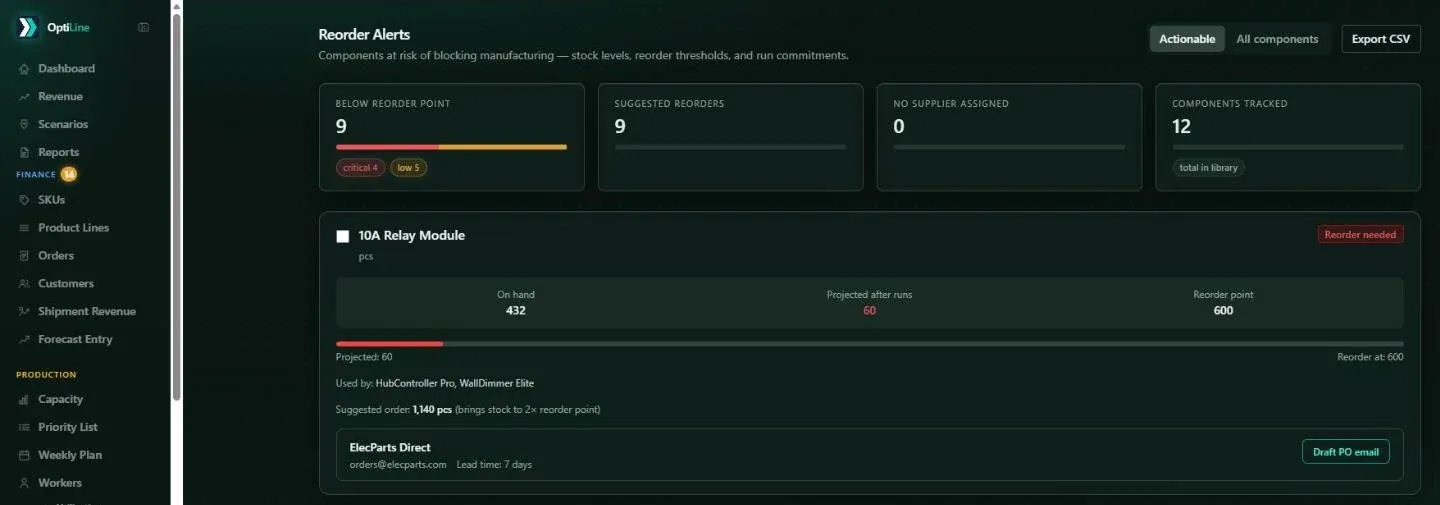
Yes. A subassembly has its own bill of materials and its own stock. A finished product's bill of materials can include both parts and subassemblies, and planning checks stock of both before it schedules a run.
Who can see what?
Access is by role. Production, supply chain and finance each get their own sections, and each company's data is kept completely separate. Every create, change and delete is recorded in an audit log.
Does it work on a phone?
Scanning is built for a phone camera, and the menu works on small screens. Planning and reporting screens are designed for a computer, where there's room to see the whole week.